


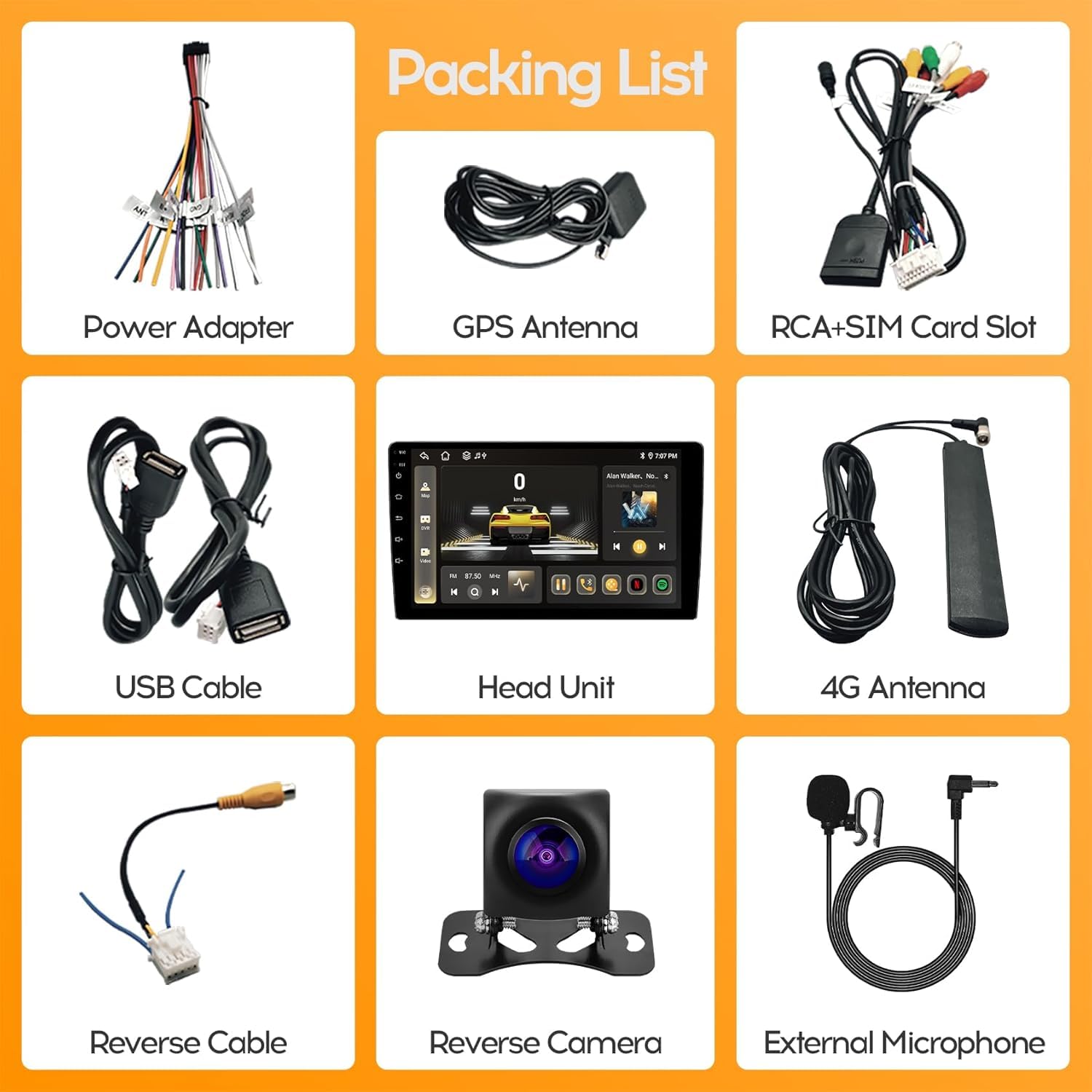


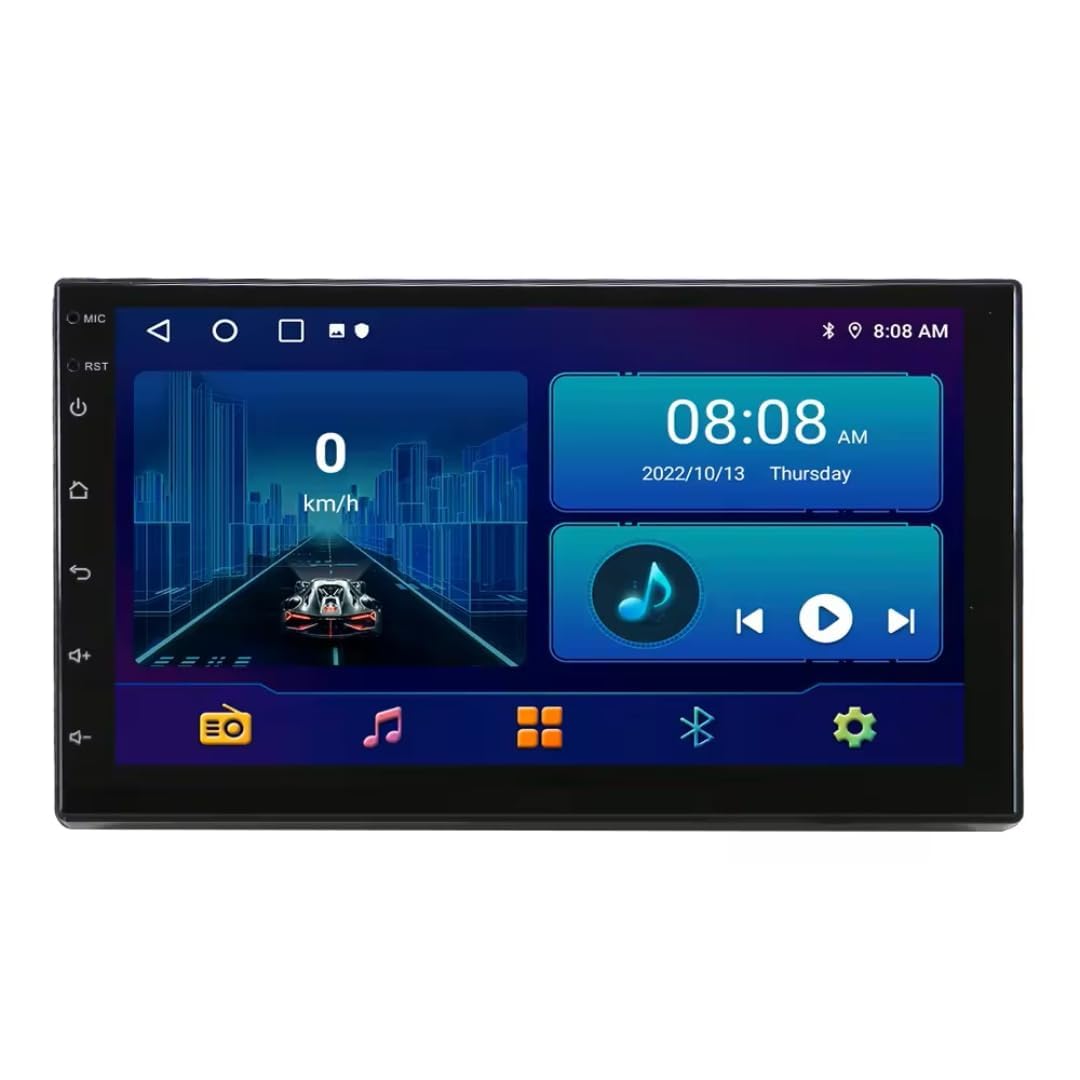
Brand: KUDOSS
Features:
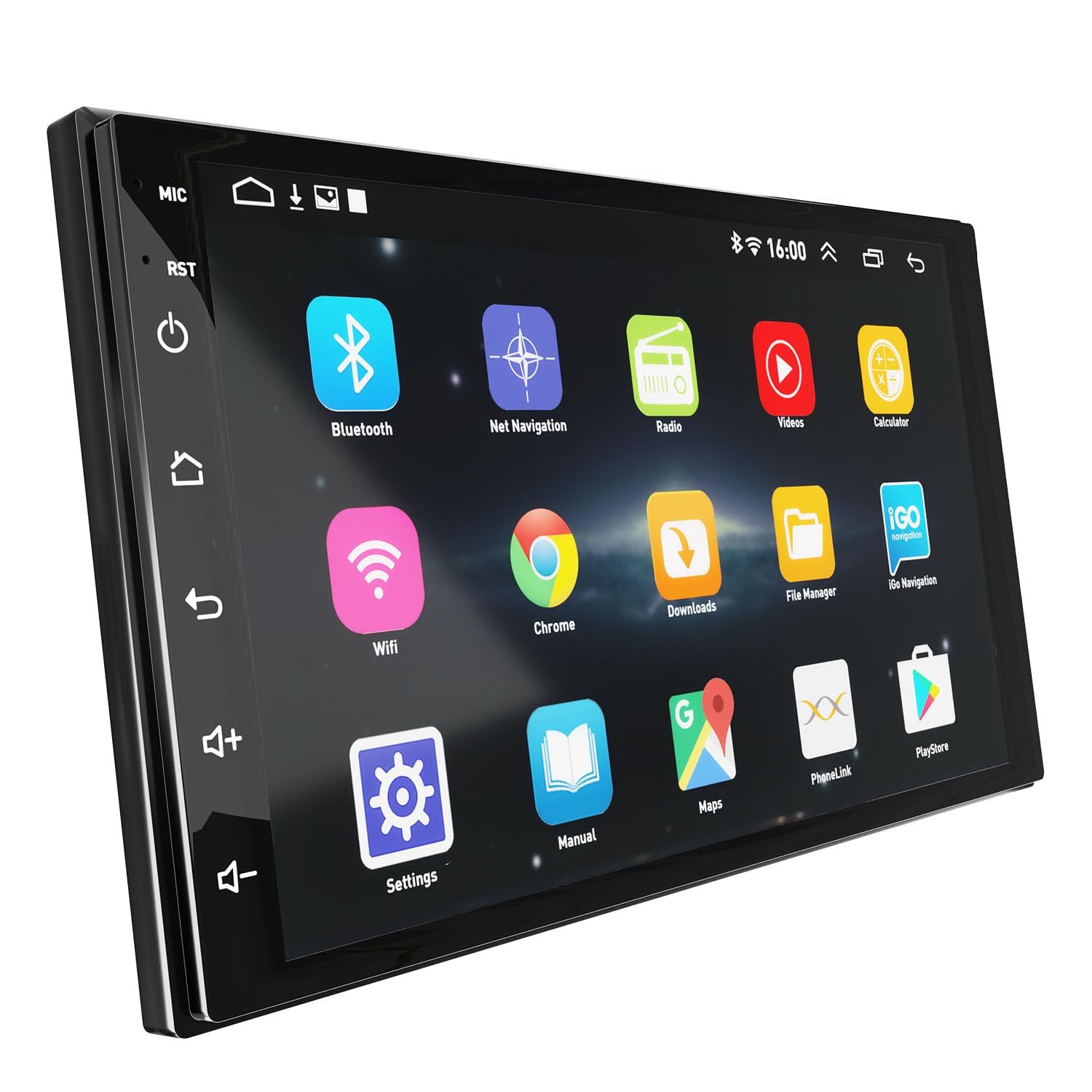
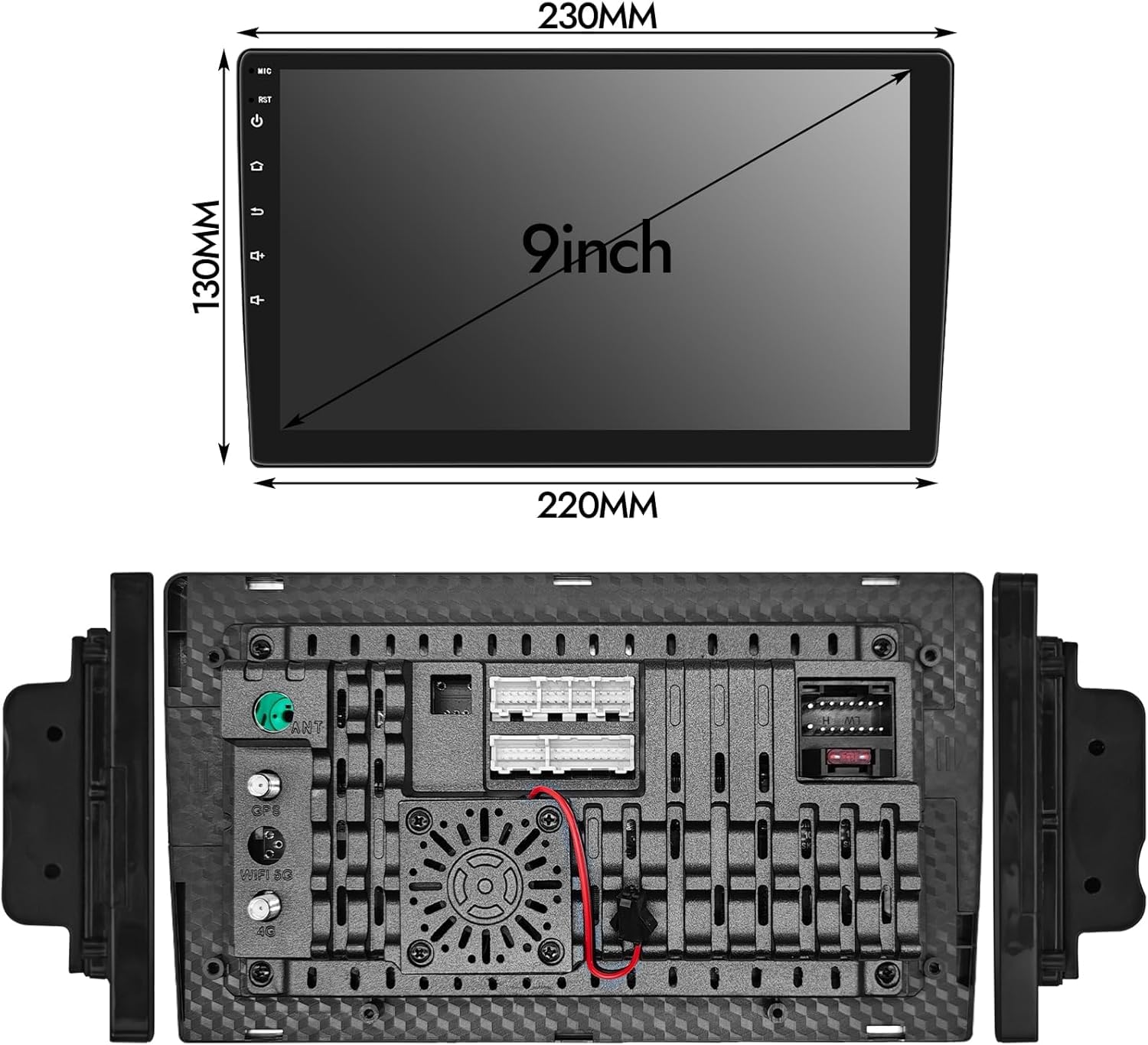
- ✅{9 inch android car stereo is with newest 4G WiFi feature. Connect to WiFi ,you can enjoy wireless WiFi signal and faster transmission speed, providing you a better experience on browsing website, watching online video and downloading app. With built-in GPS Navigation, you can enjoy online and offline maps. You can use split screen function to enjoy different contents on the same screen
- ✅【Latest Android 13 System】 9 inch android radio equipped with android 13 system and 8 core processor provides you a more smooth and faster experience. 4G RAM & 64G ROM ensures a smoothly simultaneous processing of multiple tasks, and you can download apps from the playstore on the car stereo.
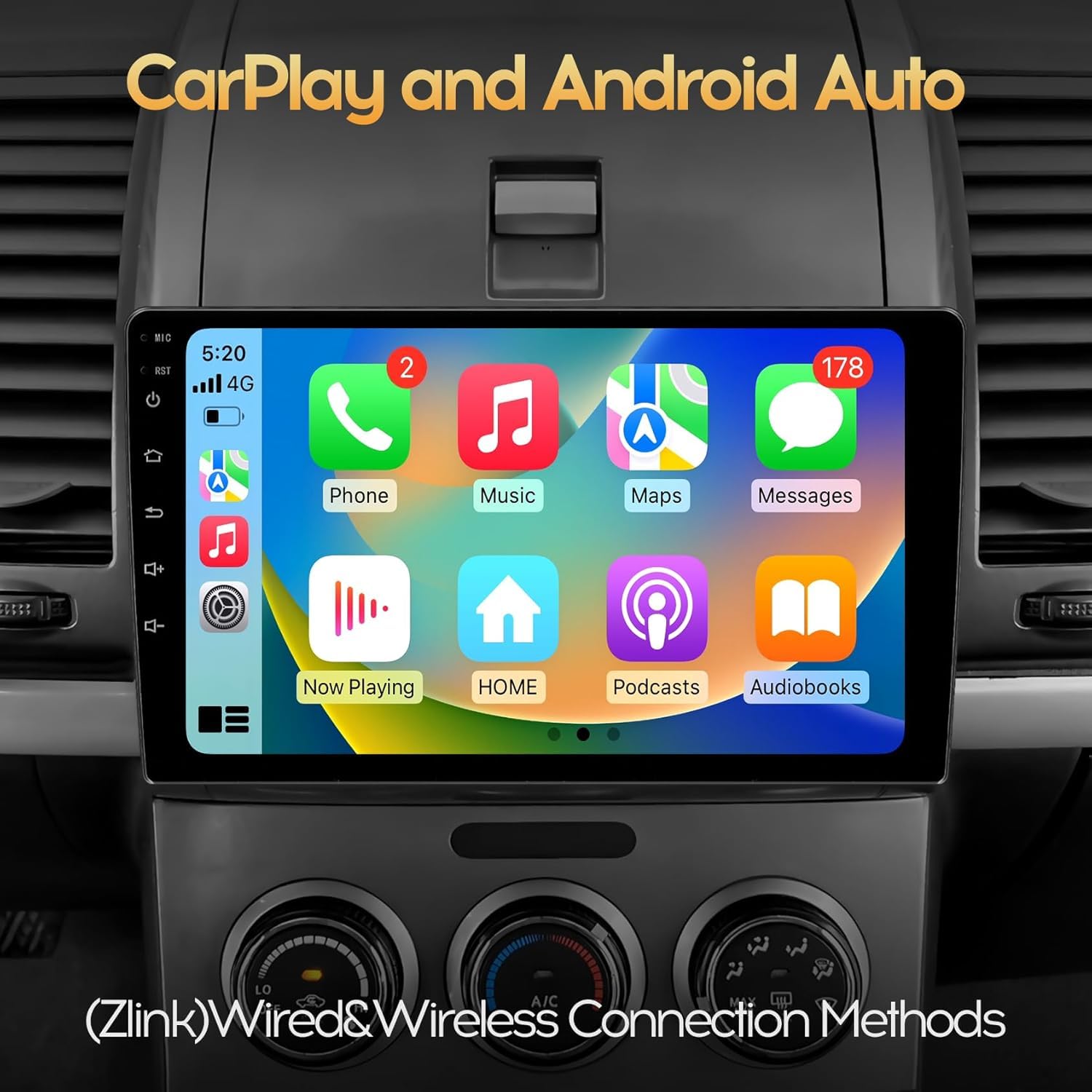
- ✅【Wireless Carplay/Android Auto/Mirror Link】Support both wireless and wired carplay and android auto. Connect your smart phones to the double din android car stereo via Bluetooth/USB to enjoy your phone’s map gps navigation, contacts, messages, email etc. Pair with your mobile phone to use mirror link function which can synchronize your phone’s content to the 9 inch IPS 1280*720 Screen.
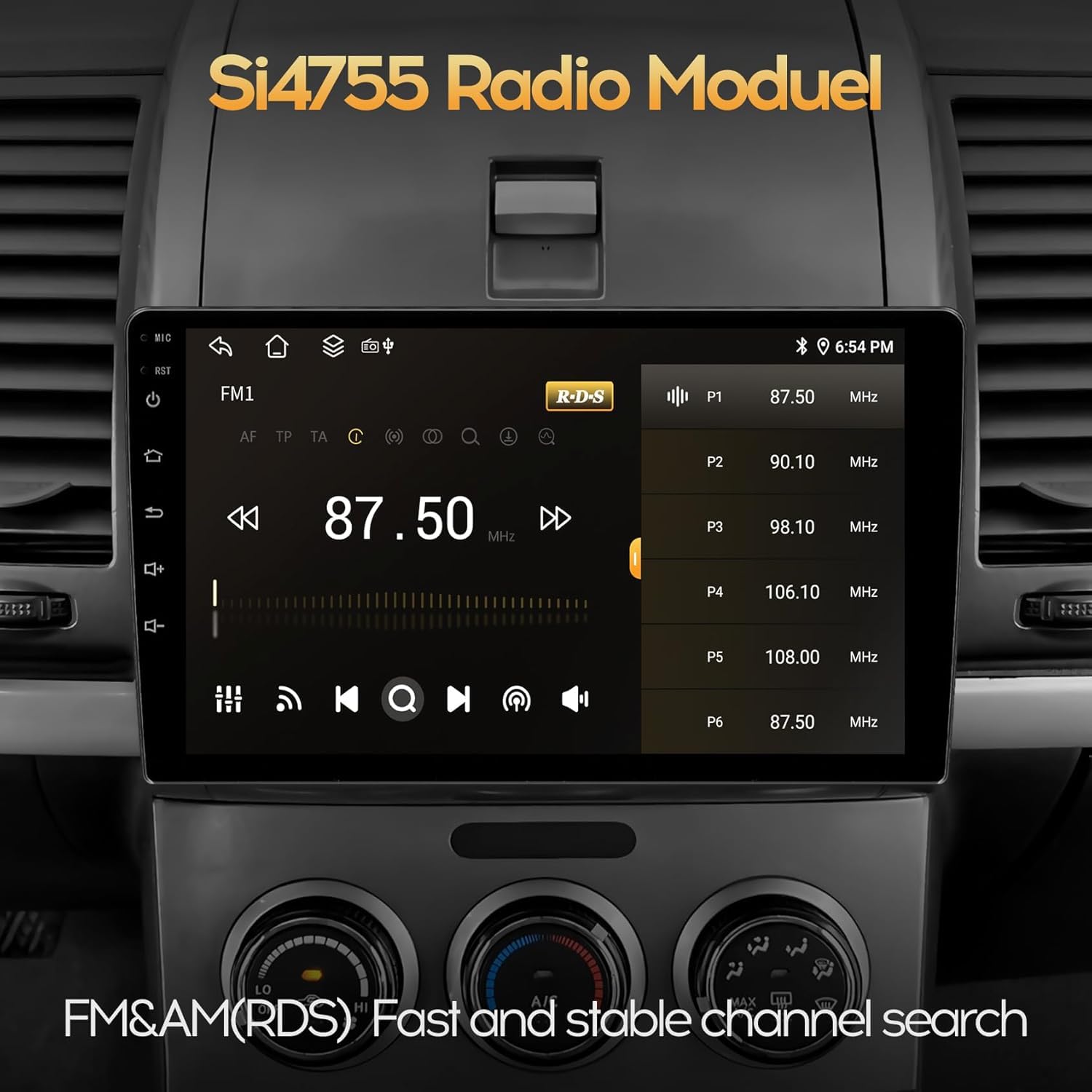
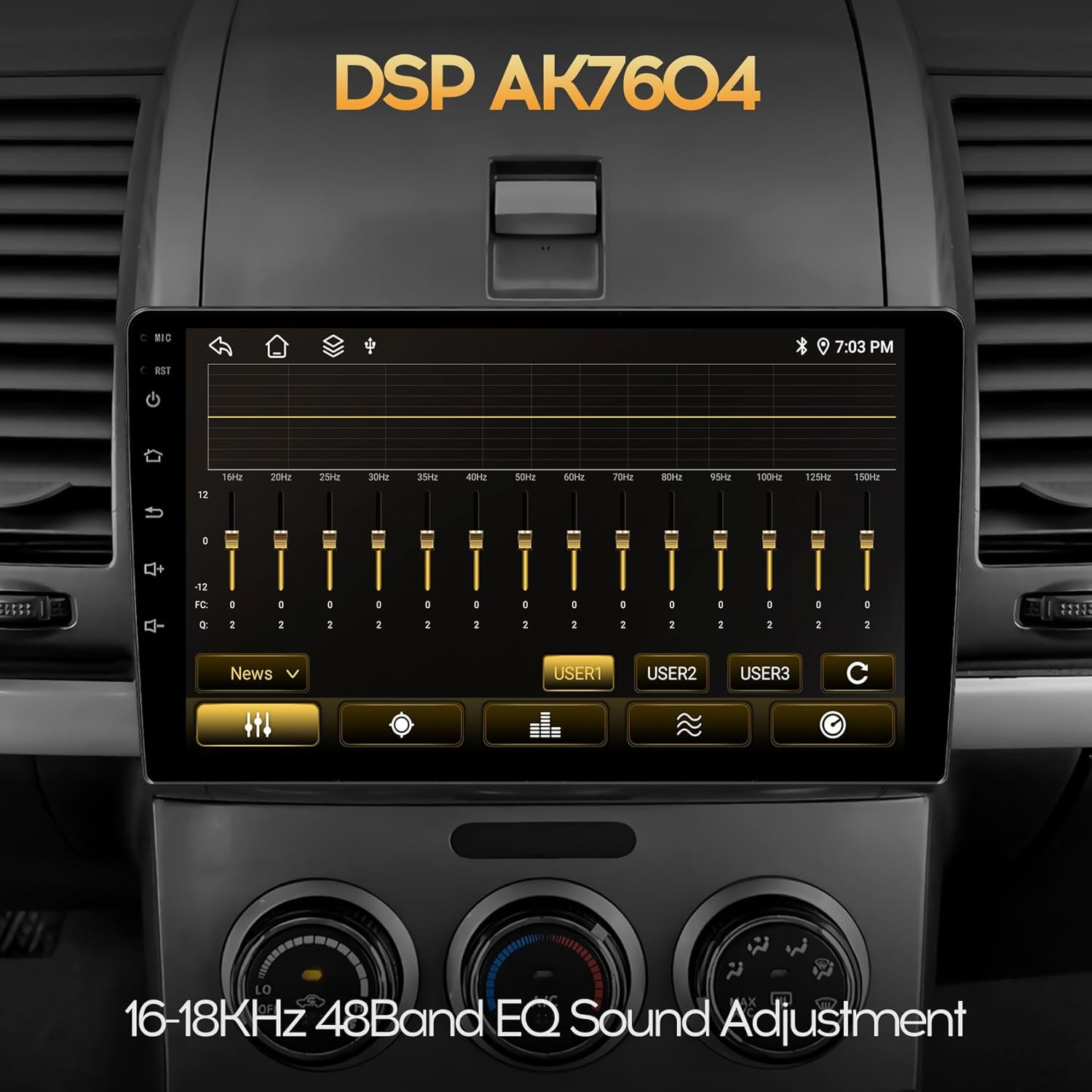
- ✅【48Band EQ DSP, AM/FM/RDS Radio, Bluetooth 5.0】With EQ DSP technology, android touch screen radio can resolve frequency anomalies and optimizes audio quality, providing you various of excellent music effect. AM/FM/RDS radio allow you to listen to new broadcasts, real-time traffic, weather forecasts. Bluetooth 5.0 allow you to receive and make important calls, play music and download phone’s contacts, keeping your hands free and bringing convenience to your driving.
- ✅[POWERFUL SPECIFICATIONS:] Features 4GB RAM/64GB storage capacity, DSP AK7604 audio processor, and high-resolution 1280×720 LCD touchscreen display.
Package Dimensions: 0x0x0
Details: KUDOSS KUDOSS On the premise of connecting to a WiFi network, you can navigate online through the pre-installed GG Maps app, or you can download and install other map navigation app through the Play Store. You can also download local map data in advance for offline navigation use. Settings>System>About Car>Wireless Update,Follow the above steps to enter the FOTA interface. Need to be connected to a WiFi network before checking for updates. When the car is parked in the home garage, it can connect to fixed WiFi hotspots; it can connect to mobile phone hotspots while driving. You can head to the Play Store to download and install any compatible app you like.